Reading and Writing Compressed Data Sets
Introduction
Chunking and Cacheing
Setting Cache Size
Reading Compressed Files
Writing Compressed NetCDF Files
Setting Chunk Size


set loopdim Sets dimension to animate
set loopincr Sets looping increment
set looping Turns on animation when fewer than three dimesions are varying
set dbuff Turns on/off double buffer mode
swap Swaps buffers when in double buffer mode
If the readline library compiles on your system then the default prompt will be ga-> as opposed to ga>. This indicates that command line editing is active. The library defaults toemacs mode but can be set up to run using vi syntax.
Here's a list of the commands which may typically be used:
ctrl-a go to beginning of line
ctrl-e go to end of line
ctrl-f go forward one char
ctrl-b go backward one char
ctrl-d delete the char
ctrl-p recall previous line
ctrl-n recall next line
ctrl-r reverse search
Col# Description Sample R G B0 background0 0 0 (black by default)
1 foreground255 255 255 (white by default)
2 red250 60 60
This function creates a grid from a collection of station data. The syntax is:
(<coll2gr(cnum <,num
cnum collection number
num number of vertical levels in the output grid (default is 10)
This command provides a way for station data profiles and time series to be saved in memory as a set. The command format is:
collect cnum expr
set cmin value
Contours not drawn below this value. Reset by clear or display.
تعداد صفحات : 20
 set yflip Flips the order of the vertical axis
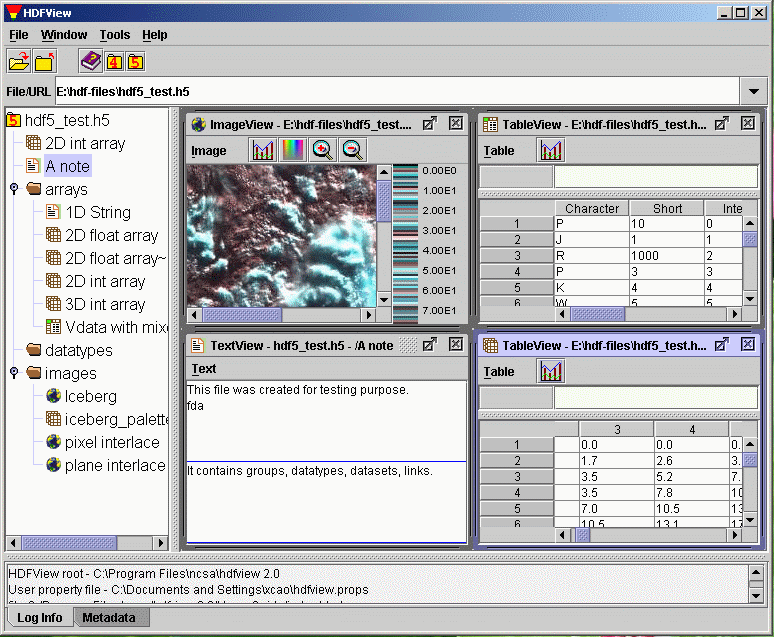 HDF View Version 3.2.0 Free Download 2022
 Download Software For the Linux Grads Version 2.0.1 -2.0.2