

draw button
draw button number xpos ypos width height string
Draws a button centered on xpos,ypos with the
following attributes:
number button number, 1 - 512
xpos x center of the button in page coordinates (inches)
ypos y center of the button in page coordinates (inches)
width width (x) of the button (inches)
height height (y) of the button (inches)
string text to display centered in the button
Usage Notes
-
Button colors are specified with the
set buttoncommand.
-
A button's initial state is
ON. If a user clicks on a button following aq poscommand, then the button state will switch fromON (1)toOFF (0). A secondq posfollowed by a mouse click on the button will return it to theONstate.
-
The button "state" (i.e.
ON/OFF) may also be set with theredraw buttoncommand.
- See the section of the User's Guide on widgets for more information on using buttons.
Example
set rgb 90 100 100 100set rgb 91 50 50 50set button 2 90 91 92 3 90 91 92 10set rgb 92 200 200 200draw button 1 2.5 8.0 2.5 0.5 Click Here
 button
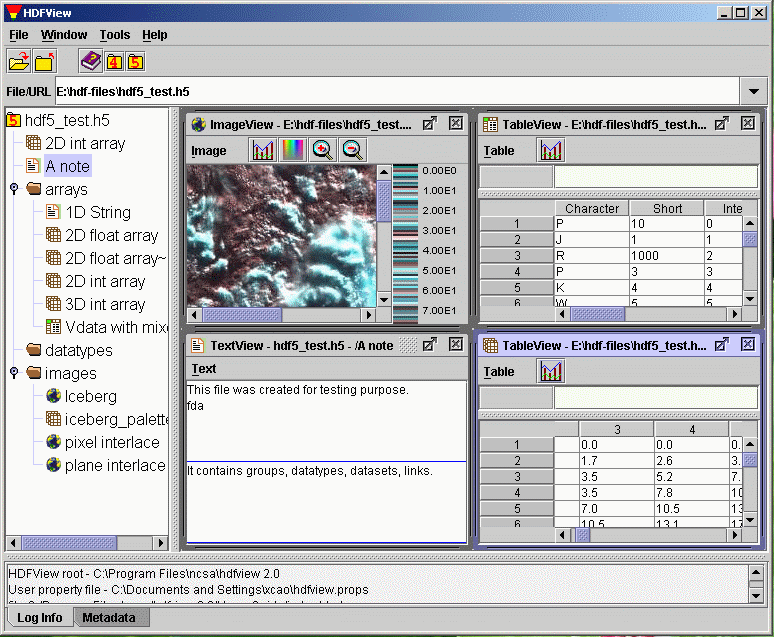 HDF View Version 3.2.0 Free Download 2022
 Download Software For the Linux Grads Version 2.0.1 -2.0.2