

set xlevs
set xlevs lev1 lev2 ... levN
Allows the user to specify each individual labeled tick mark for the X-axis.
Usage Notes
-
Reset by clear, but not display.
-
set xlevswill override the tick mark interval specified with theset xlintcommand.
-
If you use
set
xaxis
to specify labeled tick marks and also invokeset xlevs, then the tick markslev1 ... levNspecified withset xlevswill appear if they fall within thestartandendrange specified in theset xaxiscommand.
- This command does not apply to a date/time axis.
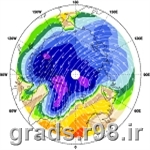 set xflip Flips the order of the horizontal axis
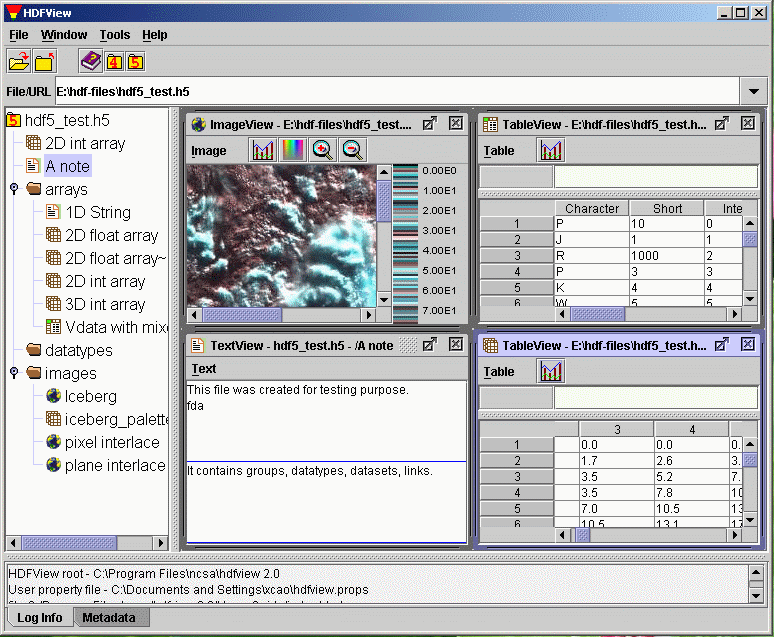 HDF View Version 3.2.0 Free Download 2022
 Download Software For the Linux Grads Version 2.0.1 -2.0.2